
Digital transformation & automation
Start digitalization: develop strategies, automate processes.
"Where do I start – without wanting everything at once?"
You need clarity: What makes sense, what comes first – and what is holding up ongoing operations?
Digital transformation requires a clear vision. We develop tailored digital strategies that support your business goals and identify digital workflows with the greatest optimisation potential. By using low-code/no-code platforms, we accelerate automation and enable the rapid implementation of new, agile business models.
We start with your initial situation – not with a standard offer. This creates a roadmap that fits your pace, your risks and your operations.
The story behind it
Transformation succeeds when you don't want to change everything at once.
From pilot projects to scalable automation. Many companies start with Power Automate, Power Apps or RPA – and quickly end up with dozens of small solutions without common standards. Departments automate what is urgent; IT cares about governance; and no one knows exactly which flows are productive, who manages them and where sensitive data is located.
Adiumento approach: We prioritise use cases according to benefit and risk, deliver MVPs with clear success criteria and build in governance, integration and operations from the start.
→ Result: Result: Automation that measurably relieves workload - and remains maintainable, expandable and secure in everyday life.
What’s in it for you?
Services
Analysis, strategy development and automation.
01
Analysis & optimisation
Detailed analysis of existing business processes to increase efficiency and agility.
02
Strategy development
Development of future-proof, tailor-made digital strategies.
03
automation
Implement automation with low-code/no-code solutions for quick results.
Fields of application
Fields of application
Typical building blocks – combined into a setup that fits your size and maturity level.
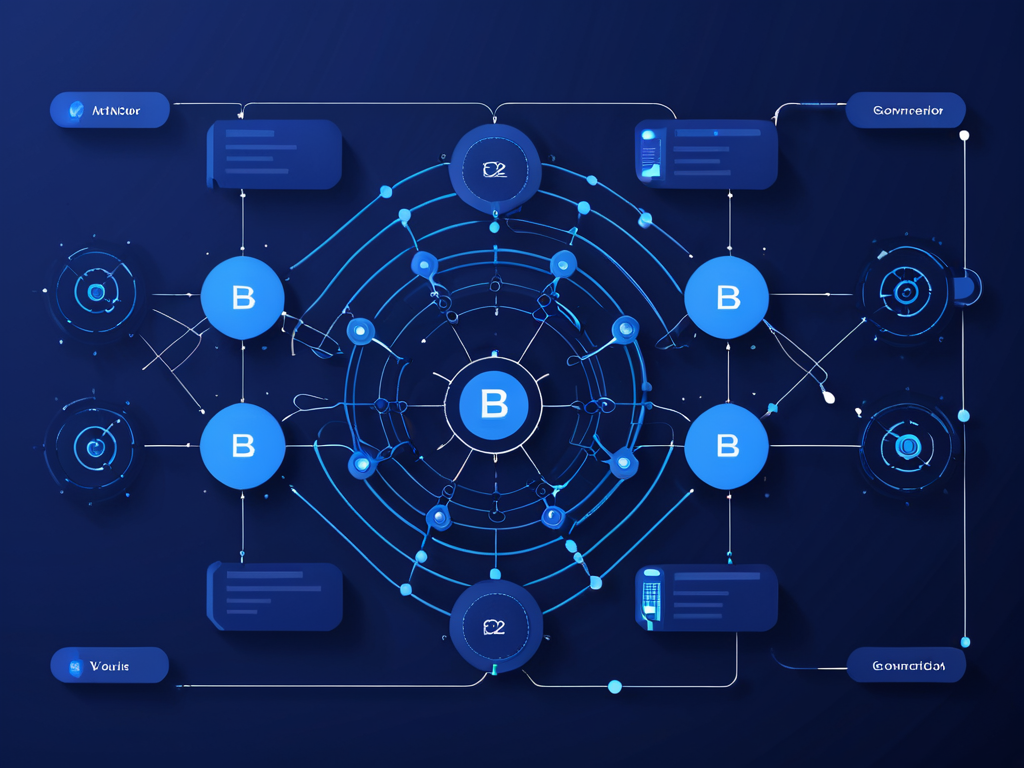
- power-platform
We evaluate which processes are suitable for Power Automate, Power Apps or Power BI and how these building blocks work together cleanly. The aim is to create lean solutions that have a quick impact and remain operable later.
Integration
We check which ERP, CRM or specialist systems need to be connected and which data flows are necessary for this. This creates automation that does not run in isolation, but rather fits into existing processes.
Governance
We define rules for the development, authorisations, operation and further development of digital solutions. This makes automation controllable and prevents it from becoming a proliferation of new tools.
In Focus
- - power-platform
- Integration
- Governance
What you get in concrete terms
No slides with no effect – but artifacts that your team and auditors can understand.
Use case backlog (prioritised)
Evaluated automation and digitalization ideas with benefits, effort, data needs and governance requirements. This creates a clear order instead of an unsorted wish list.
Process & data model (lightweight)
Lean documentation of process steps, data flows, systems and responsibilities. This foundation prevents automation from failing due to unclear processes or data.
Prototype/MVP and rollout plan
Functional MVP with clear rollout, training and operational planning. The aim is to achieve visible benefits on a manageable scale before scaling up.
Governance for operations & further development
Power Platform/M365 governance for lifecycle, permissions, monitoring, changes and technical responsibility. This means the solution remains secure and can be further developed even after it has been launched.
Technologies & tools
We typically use these modules in combination – tailored to architecture, compliance and your ongoing operations.

Microsoft Power Platform
Apps, automation, and data – with governance.

Microsoft Power Automate
Workflows and process automation.
Microsoft Power Apps
Professional applications – can be rolled out quickly and in a controlled manner.

Microsoft Power BI
KPIs and dashboards for leadership and departments.
Microsoft SharePoint
Documents, sites, and governance across the organisation.

Microsoft Teams
Collaboration, meetings, and structured communication.
We prioritise platforms and tools based on use case, data, governance and operations - not as a loose list of tools.
Typical examples
This is what it looks like in comparable environments – concrete, comprehensible and transferable to the company.
01
Digitalise approvals
Replace email ping-pong with trackable approvals with roles, status and escalation.
02
MVP instead of a major project
Quickly prototype a concrete use case and further develop it based on real usage.
03
Connect data and processes
Connect ERP, CRM or specialist processes in such a way that processes become less manual and easier to evaluate.
04
Think about governance
Structure permissions, lifecycle and operations from the start so that automation does not become rampant.
Mini case: automate the process in 2 weeks
A typical procedure when a recurring process needs to be digitalised quickly without starting a major project.
Background
Manual process with media breaks
A recurring process costs time, runs via email and Excel and has no clear criterion for success.
Action
Define use case and MVP
A prioritised use case is implemented as a prototype using Power Automate or apps and tested with the specialist department.
Results
Usable automation with governance
Rollout and adoption are supported, while rules for operation and further development apply from the start.
Approach
-
01
Understanding
Clarify processes and goals.
-
02
design
Solution and roadmap.
-
03
Implement
Deliver iteratively.
-
04
Scale
Roll out and measure.