
"Where do I start – without wanting everything at once?"
You need clarity: What makes sense, what comes first – and what lasts during operation?
New Work: Retain employees, increase productivity, embrace flexibility. The future of work is hybrid and agile. Adiumento designs modern work models and the necessary framework conditions for a successful new work culture. We create the balance between flexibility, employee loyalty and data security.
We start with your initial situation – not with a standard offer. This creates a roadmap that fits your pace, your risks and your operations.
The story behind it
New Work is successful when structure and adoption are right.
Teams and SharePoint are here – but collaboration is not “finished” yet. Many organisations have adopted Microsoft 365, but sites, teams, and permissions are growing unplanned. External collaboration takes place via shadow channels, meetings without structure cost time, and users cannot find information - even though the technology can actually do everything.
Adiumento approach: We design information architecture, collaboration and governance so that M365 is really used in everyday life - with enablement, clear rules and a sustainable lifecycle.
→ Result: Result: A working environment in which teams work together productively - without proliferation and without security compromises.
What’s in it for you?
Services
Flexible working models, collaboration and agile organisation.
01
Flexible working models
Introduction of home office and hybrid work, taking all compliance requirements into account.
02
Location-independent collaboration
Use secure cloud technologies (e.g. Microsoft 365) to enable seamless collaboration regardless of location.
03
Agile organisation
Support in the necessary change of organisational structures towards agile teams.
04
Implementation of collaboration tools
Roll-out of Microsoft Teams, SharePoint and other M365 solutions (Digital Workplace).
05
Training & Change Management
Supporting the change management process through targeted training for digital collaboration.
Focal points
Focal points
Typical building blocks – combined into a setup that fits your size and maturity level.
Work environment
We structure SharePoint, teams and information architecture so that collaboration, filing and responsibilities become clearer. The goal is a work environment that creates orientation instead of creating additional channels and storage locations.
communication
We look at meetings, events and external collaboration from a process and governance perspective. This creates clear rules, appropriate templates and less friction in daily communication.
Enablement
We plan training, champions and change support so that new ways of working are really used. It's not just about functions, but about acceptance, responsibility and suitability for everyday use.
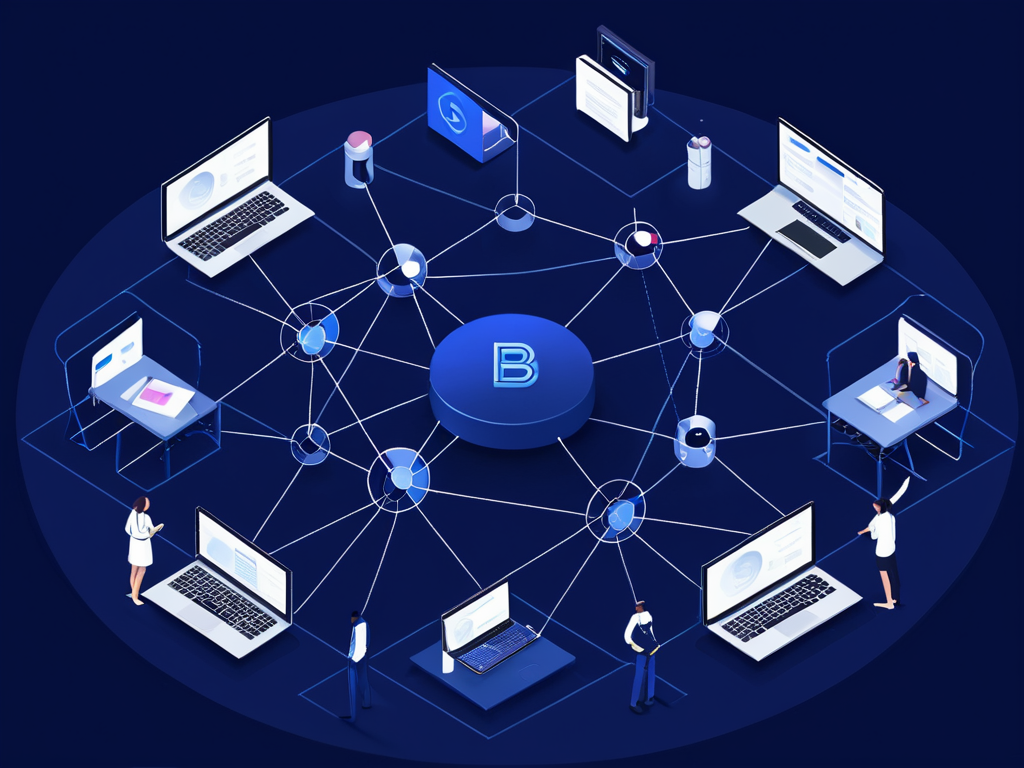
In Focus
- Work environment
- communication
- Enablement
What you get in concrete terms
No slides with no effect – but artifacts that your team and auditors can understand.
Use case backlog (prioritised)
Prioritised use cases for modern collaboration, information structure and communication. The benefits, effort, affected target groups and requirements for acceptance and operation are assessed.
Process & data model (lightweight)
Lean documentation of information flows, storage structures, roles and authorisations. This makes it clear how teams, SharePoint and other M365 components work together sensibly.
Prototype/MVP and rollout plan
Pilotable workspace or collaboration solution including rollout, communication and enablement plan. The goal is a usable entry that creates acceptance and remains scalable.
Governance for operations & further development
Rules for workspaces, teams, permissions, naming conventions, lifecycle and responsibilities. This means that modern collaboration remains clear, secure and can be operated in the long term.
Technologies & tools
We typically use these modules in combination – tailored to architecture, compliance and your ongoing operations.
Microsoft Teams
Collaboration, meetings, and structured communication.
Microsoft SharePoint
Documents, sites, and governance across the organisation.

Microsoft OneDrive
Synchronous file access with policies and protection.

Microsoft Entra ID
Identity, MFA, and access control – centrally managed.

Microsoft Intune
Device management, baselines, and compliance policies.

Microsoft 365 Governance
Rules for usage, permissions, and ongoing development.
We prioritise platforms and tools based on use case, data, governance and operations - not as a loose list of tools.
Typical examples
This is what it looks like in comparable environments – concrete, comprehensible and transferable to the company.
01
Build information architecture
Structure sites, teams and templates so that filing and collaboration provide orientation.
02
Regulate external sharing
Secure guest access and sharing with clear rules and evidence without blocking collaboration.
03
Establish meeting standards
Define recurring formats and processes so that communication becomes more productive.
04
Targetedly promote adoption
Use champions, training and guidelines so that new ways of working become part of everyday life.
Mini case: Teams/SharePoint with lifecycle
A typical approach when Microsoft 365 workspaces grow and there is a lack of structure and governance.
Background
Wild growth in teams and sites
Workspaces arise unplanned, authorisations are unclear and external collaboration takes place via detours.
Action
Introduce architecture and lifecycle
Templates, rules for external collaboration and enablement are defined and rolled out gradually.
Results
Controllable collaboration
Owner model and governance keep workspaces clear, secure and operable in the long term.

Approach
-
01
Understanding
Clarify processes and goals.
-
02
design
Solution and roadmap.
-
03
Implement
Deliver iteratively.
-
04
Scale
Roll out and measure.